
Tax season is stressful enough. Managing client appointments shouldn’t add to that stress. Yet many accounting firms still rely on phone calls, endless email chains, and manual calendars that lead to double bookings and missed meetings.
Your clients expect professional service and easy scheduling. When they have to call three times to book a consultation or wait days for email responses, it reflects poorly on your firm.
But here’s what hasn’t changed:
The right appointment scheduling software can transform how you manage client relationships. Not by adding complexity, but by making the entire process seamless for both you and your clients.
The best scheduling tools help accounting firms:
- Eliminate phone tag and email back-and-forth
- Reduce no-shows with automated reminders
- Sync with accounting software and existing calendars
- Accept secure payments for consultations
- Maintain professional brand image
These are the three scheduling solutions I recommend for accounting firms based on real-world testing and feedback from CPAs who use them daily.
My Top 3 Appointment Scheduling Software Options for Accounting Firms
- Acuity Scheduling: Professional-grade features with payment processing and custom intake forms
- YouCanBookMe: Budget-friendly option with excellent calendar integration
- Calendly: Most popular choice with extensive integrations and team features
Acuity Scheduling
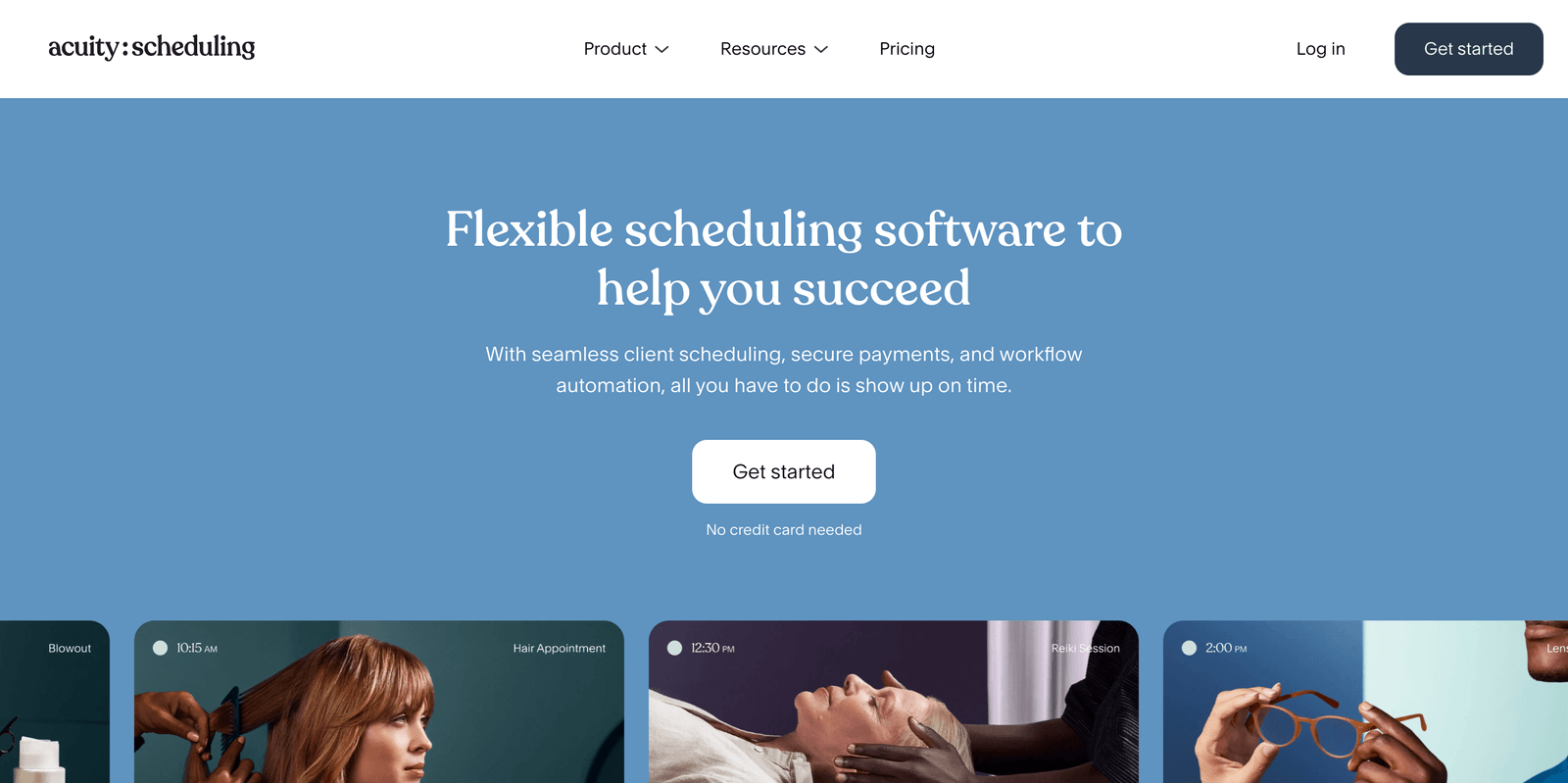
Best for accounting firms that need comprehensive client management and payment processing
Pricing: From $16 per month; 7-day free trial available
Acuity Scheduling consistently ranks as the top choice for professional services firms. It’s not just scheduling software. It’s a complete client management system that handles everything from booking to payment.
I’ve watched dozens of accounting firms switch to Acuity and immediately see improvements in client satisfaction and operational efficiency.
Custom Intake Forms for Tax Season
During tax season, collecting client information ahead of time is crucial. Acuity’s custom intake forms let you gather exactly what you need before the appointment.
You can create different forms for different services:
- New client tax preparation (requires tax documents checklist)
- Business consultation (asks about entity type, revenue, current pain points)
- Audit preparation (requests financial statements and prior year returns)
The forms integrate directly with your scheduling page. Clients fill them out when they book, so you walk into every meeting prepared.
This feature alone saves most firms 10-15 minutes per appointment.
Secure Payment Processing
Many accounting firms charge for consultations, but collecting payment can be awkward. Acuity handles this smoothly by collecting payment when clients book.
The system integrates with Stripe, Square, and PayPal. You can set different rates for different services:
- Initial consultation: $150
- Tax planning session: $200
- Business advisory meeting: $250
Clients pay upfront, which dramatically reduces no-shows. You can also require deposits for longer engagements.
Automated Client Communication
Acuity sends professional emails and text reminders automatically. You can customize every message to match your firm’s tone.
For example, you might send:
- Booking confirmation with office address and parking instructions
- 48-hour reminder with document checklist
- Day-of reminder with your direct phone number
The system also sends follow-up emails after appointments. Perfect for requesting reviews or scheduling follow-up meetings.
Pros & Cons
| Pros | Cons |
|---|---|
| Comprehensive features including payments and intake forms | Higher price point compared to basic scheduling tools |
| Professional appearance and customization options | Can be overwhelming for very small firms with simple needs |
| Excellent customer support from real humans | Some advanced features require higher-tier plans |
Acuity Scheduling Alternative: SimplyBook.me
SimplyBook.me offers similar features to Acuity at a lower price point, starting at $8.25 per month. It includes custom booking forms, payment processing, and calendar integration.
However, Acuity provides better customer support and more polished integrations with professional services tools. For accounting firms that prioritize client experience, Acuity’s extra cost is usually worth it.
Learn more: Acuity Scheduling
YouCanBookMe
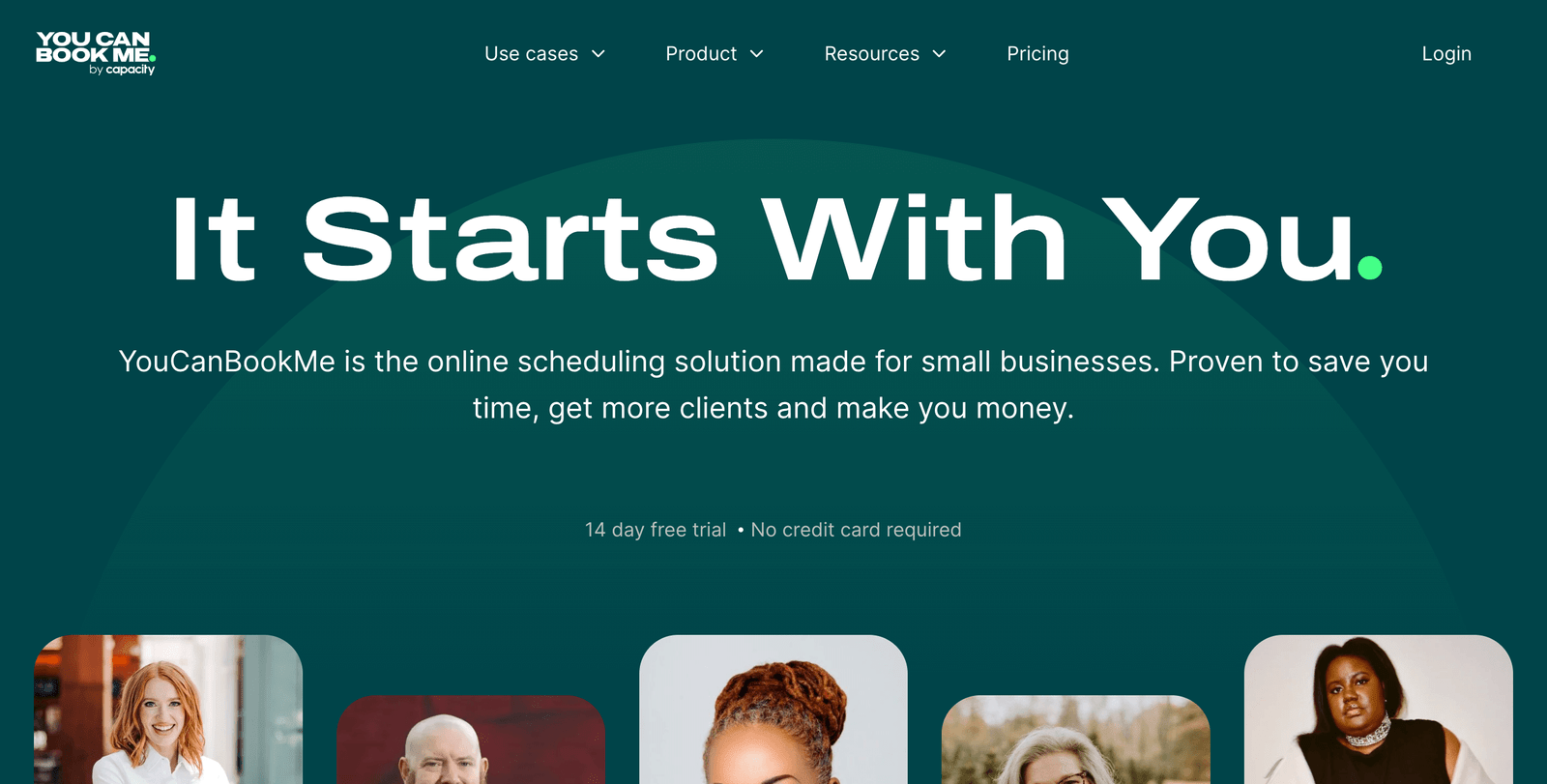
Best for solo practitioners and small accounting firms focused on simplicity and cost-effectiveness
Pricing: Free plan available; paid plans start at $12 per month
YouCanBookMe strikes the perfect balance between functionality and affordability. It’s the tool I recommend for solo CPAs and small firms that want professional scheduling without complex features they don’t need.
The setup is remarkably simple. You can have a professional booking page live in under 30 minutes.
Powerful Free Plan
YouCanBookMe’s free plan is genuinely useful, not just a trial disguised as a freebie. You get:
- Unlimited bookings
- One calendar integration (Google, Outlook, or iCloud)
- Basic customization options
- Email confirmations and reminders
- Payment processing through Stripe
For many solo practitioners, the free plan handles everything they need. The only limitation is one calendar connection, which isn’t a problem if you use a single business calendar.
Seamless Calendar Integration
The calendar sync is where YouCanBookMe really shines. It automatically blocks off time when you have existing appointments, preventing double bookings.
When a client books through your link, the appointment appears in your calendar immediately. If you reschedule something in your calendar, your availability updates automatically.
This two-way sync works flawlessly with:
- Google Calendar
- Microsoft Outlook
- iCloud Calendar
- Office 365
Professional Customization
Despite the budget-friendly price, YouCanBookMe doesn’t look cheap. You can fully customize your booking page with:
- Your firm’s logo and colors
- Custom introduction text
- Service descriptions and pricing
- Professional photos
The booking page can match your website’s design, maintaining a consistent brand experience for clients.
Time Zone Intelligence
If you serve clients across different time zones, YouCanBookMe automatically detects their location and shows available times in their local time zone.
This prevents the confusion that leads to missed appointments when clients book thinking they’re scheduling Eastern time but you’re showing Pacific time availability.
Pros & Cons
| Pros | Cons |
|---|---|
| Genuinely useful free plan with no time limits | Limited to one calendar on free plan |
| Excellent value for money on paid plans | Less advanced features compared to premium options |
| Simple setup and intuitive interface | Customer support is email-only, no phone support |
YouCanBookMe Alternative: Setmore
Setmore also offers a solid free plan with basic scheduling features. It includes a mobile app and can handle team scheduling.
But YouCanBookMe provides better calendar integration and customization options. The interface is also cleaner and more professional, which matters when clients are booking expensive accounting services.
Learn more: YouCanBookMe
Calendly
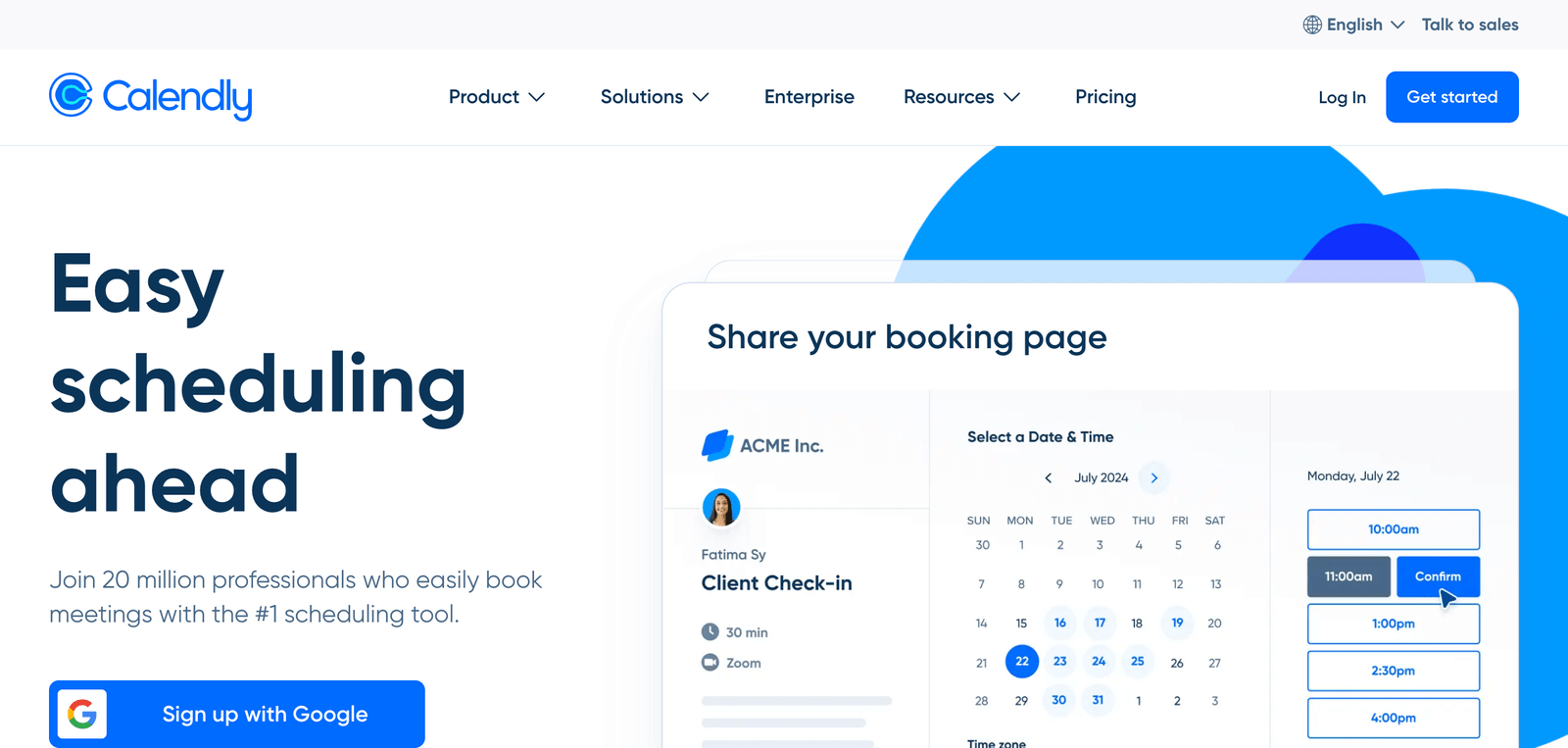
Best for larger accounting firms with multiple team members and complex scheduling needs
Pricing: Free plan available; paid plans from $12 per month per user
Calendly is the most recognizable name in appointment scheduling. While it started as a simple meeting scheduler, it’s evolved into a powerful platform that works particularly well for accounting firms with multiple staff members.
The team features and integrations make it the top choice for firms with 5+ employees.
Round-Robin Scheduling
During busy periods, clients often just want to meet with any available CPA rather than a specific person. Calendly’s round-robin feature automatically distributes appointments across your team.
You can set it up so client bookings rotate between:
- All senior accountants for complex tax situations
- Junior staff for basic tax prep
- Partners for new business consultations
This ensures balanced workloads and prevents any one person from getting overwhelmed during tax season.
Advanced Team Management
Calendly excels at managing scheduling across multiple team members. You can:
- Set different availability for each staff member
- Create team-wide scheduling policies
- View everyone’s calendar in a single dashboard
- Set up approval workflows for certain appointment types
For example, you might require partner approval for any consultation over $500, or automatically route bookings based on client size.
Extensive Integrations
Calendly integrates with virtually every tool accounting firms use:
- CRM Systems: Salesforce, HubSpot, Pipedrive
- Accounting Software: QuickBooks, Xero, Sage
- Communication Tools: Zoom, Microsoft Teams, Slack
- Marketing Platforms: Mailchimp, Constant Contact
These integrations mean client information flows automatically between systems. When someone books a consultation, their details can automatically create a CRM record and trigger follow-up email sequences.
Meeting Analytics
Calendly provides detailed analytics on your scheduling patterns:
- Most popular meeting times and days
- No-show rates by appointment type
- Average time from booking to meeting
- Revenue generated through scheduled appointments
This data helps firms optimize their availability and identify peak demand periods. You might discover that Tuesday mornings have the highest no-show rate, or that clients prefer evening appointments during tax season.
Pros & Cons
| Pros | Cons |
|---|---|
| Excellent team scheduling and management features | Per-user pricing can get expensive for larger teams |
| Extensive integration ecosystem | Some features require higher-tier plans |
| Professional appearance and reliable performance | Can be overkill for very simple scheduling needs |
Calendly Alternative: Microsoft Bookings
If your firm already uses Microsoft 365, Microsoft Bookings provides basic scheduling functionality at no extra cost. It integrates natively with Outlook and Teams.
However, Calendly offers more sophisticated features and better customization options. For firms serious about providing excellent client experience, Calendly’s additional cost delivers meaningful value.
Learn more: Calendly
Other Tools We Use in Our Client Management Workflow
Managing client relationships requires more than just scheduling software.
At successful accounting firms, we see consistent use of complementary tools that work alongside appointment scheduling:
- Practice Management Software like CosmoLex or CARET Legal for comprehensive client file management
- Video Conferencing Tools such as Zoom Pro or Microsoft Teams for secure client meetings
- Document Management Systems including ShareFile or Dropbox Business for secure file sharing
- Client Portals through platforms like ClientInsite or FileInvite for document collection
Wrapping up
The right appointment scheduling software eliminates the administrative headaches that eat into your billable time.
Start with one of these three options based on your firm’s specific needs:
- Choose Acuity Scheduling if you want comprehensive features and don’t mind paying for professional-grade functionality
- Choose YouCanBookMe if you’re a solo practitioner or small firm looking for excellent value
- Choose Calendly if you have a team and need advanced collaboration features
Most firms see immediate improvements in client satisfaction and internal efficiency. Your clients get professional, hassle-free booking. You get more predictable schedules and fewer interruptions.
The best part? All three options integrate with the accounting software you already use, so implementing them won’t disrupt your existing workflow.